Painpoint 1
Imbalance between basic functions and advanced functions.
A complete e-commerce design solution that empowers everyone to effortlessly create e-commerce assets.
About MeiSpace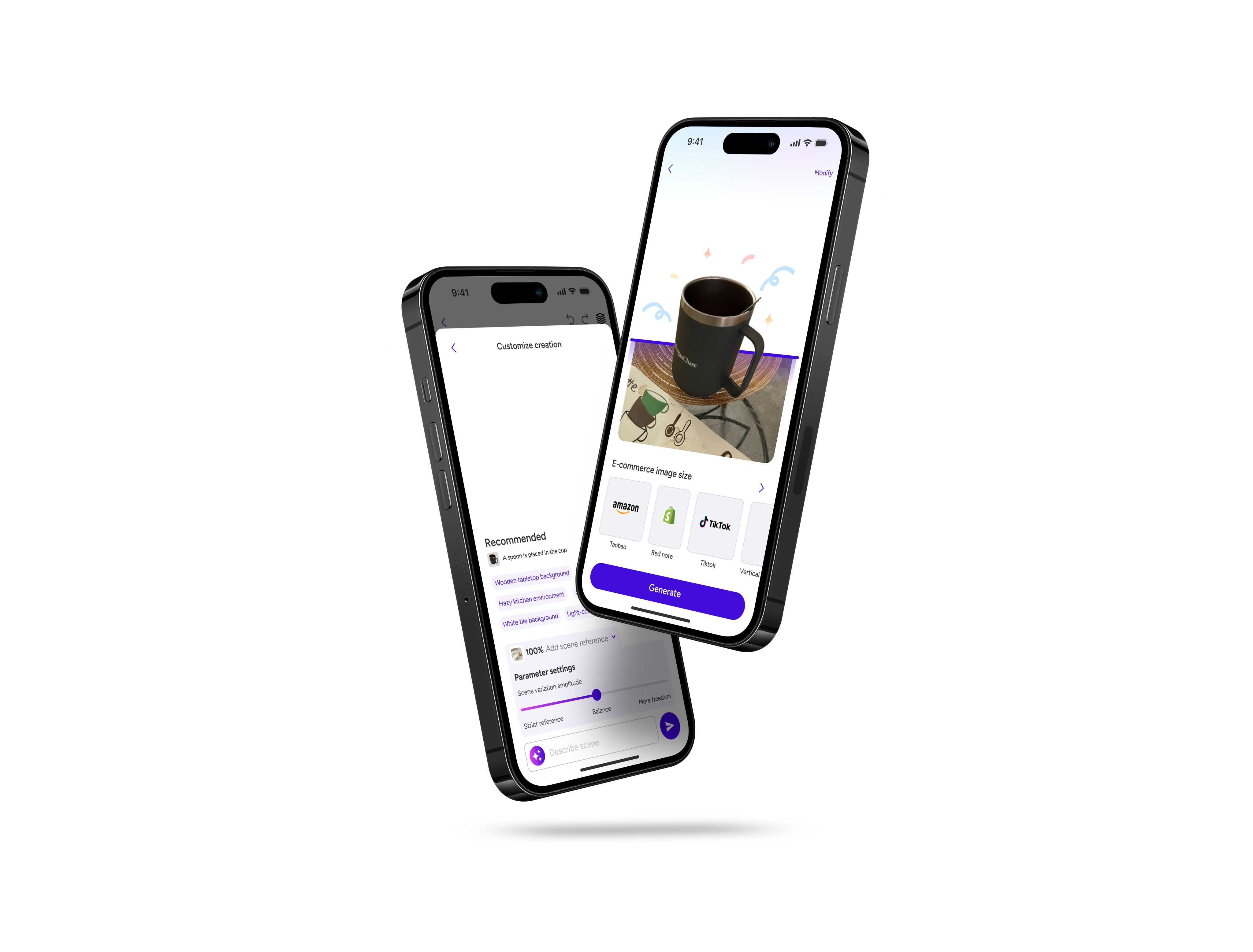
Foreign students taking post-graduction jobs in US
Source: Researcher's calculations using data from IPEDS and other source
In e-commerce operations, the quality of visual content is crucial for product conversion rates and brand image. Operators often need to quickly produce high-quality product images, but traditional methods are often time-consuming and labor-intensive. To address this, I designed a mobile AI-assisted rendering tool for e-commerce operators that helps users quickly generate high-quality rendered images, enhancing their work efficiency.

Template Layer
Product Subject
Background
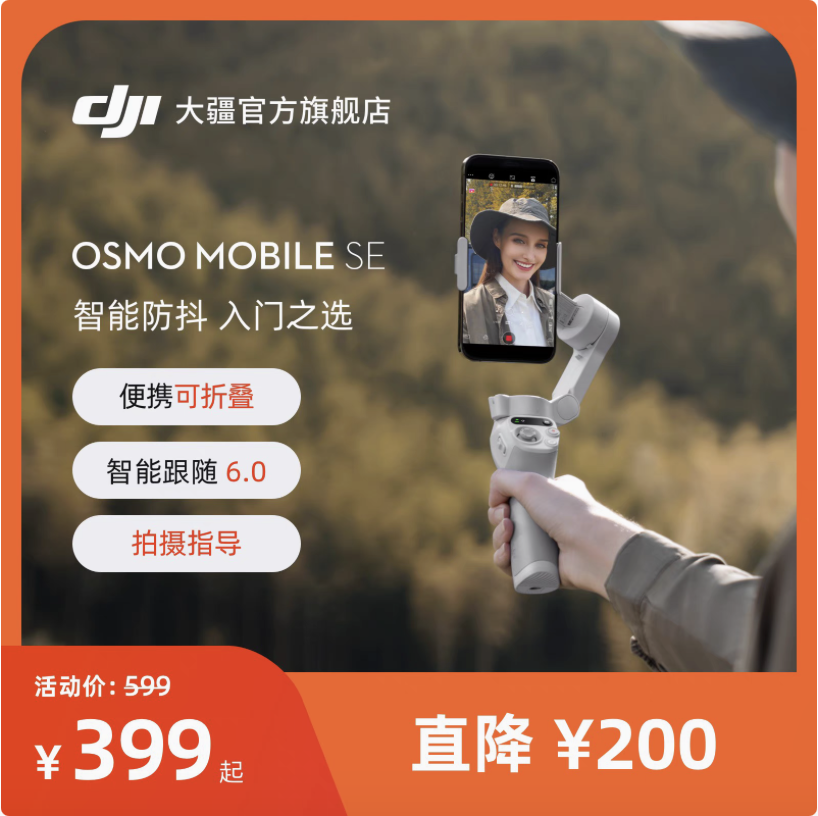
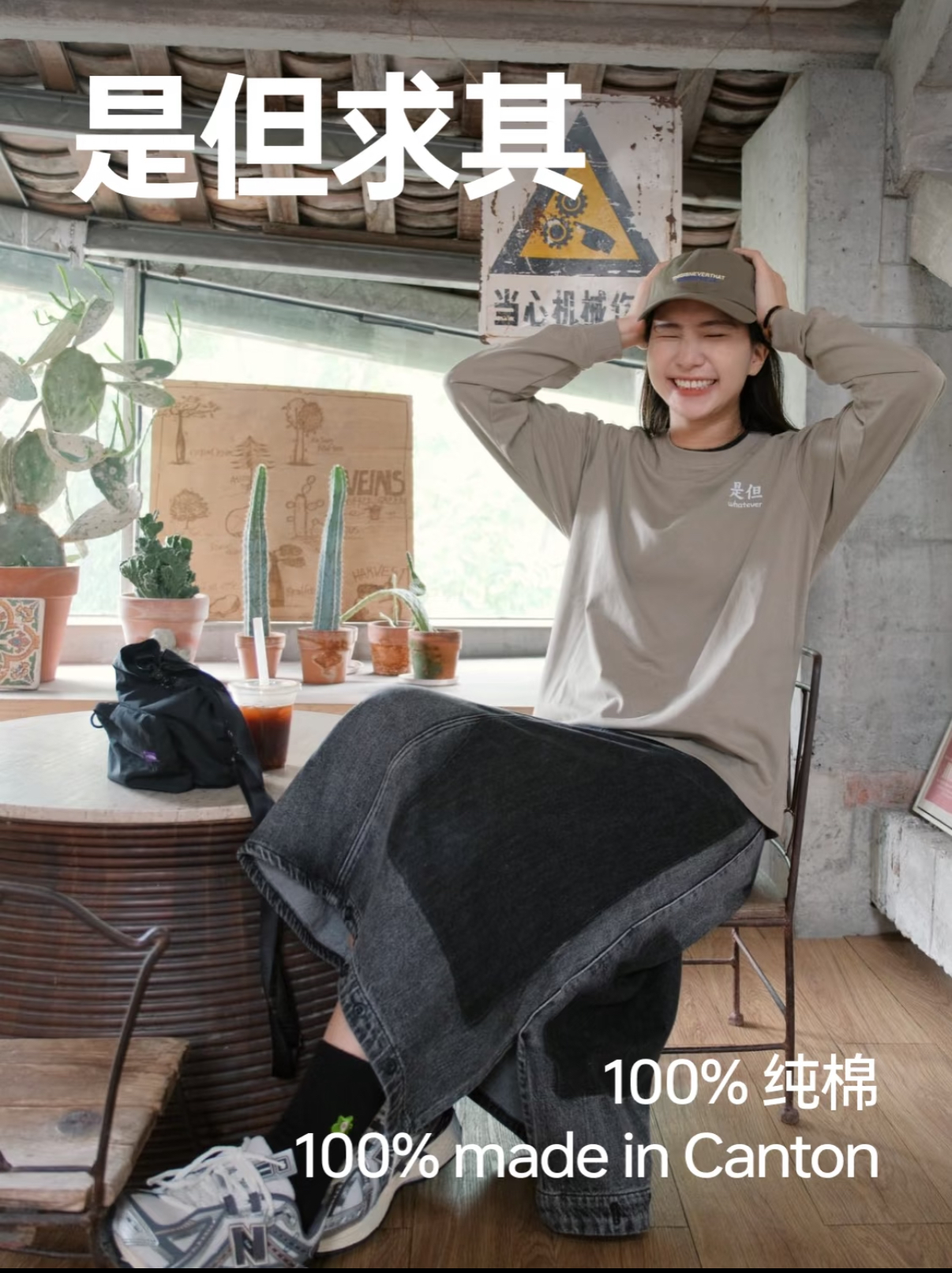
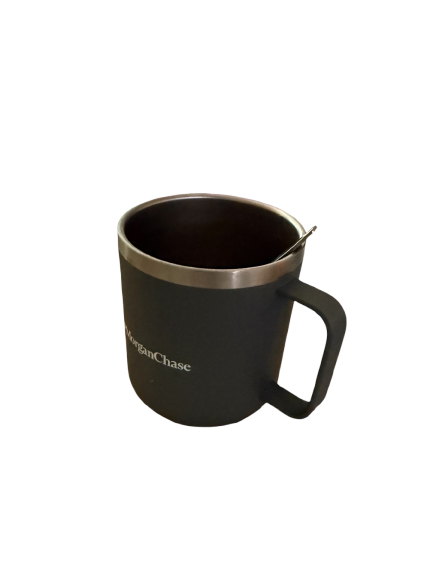
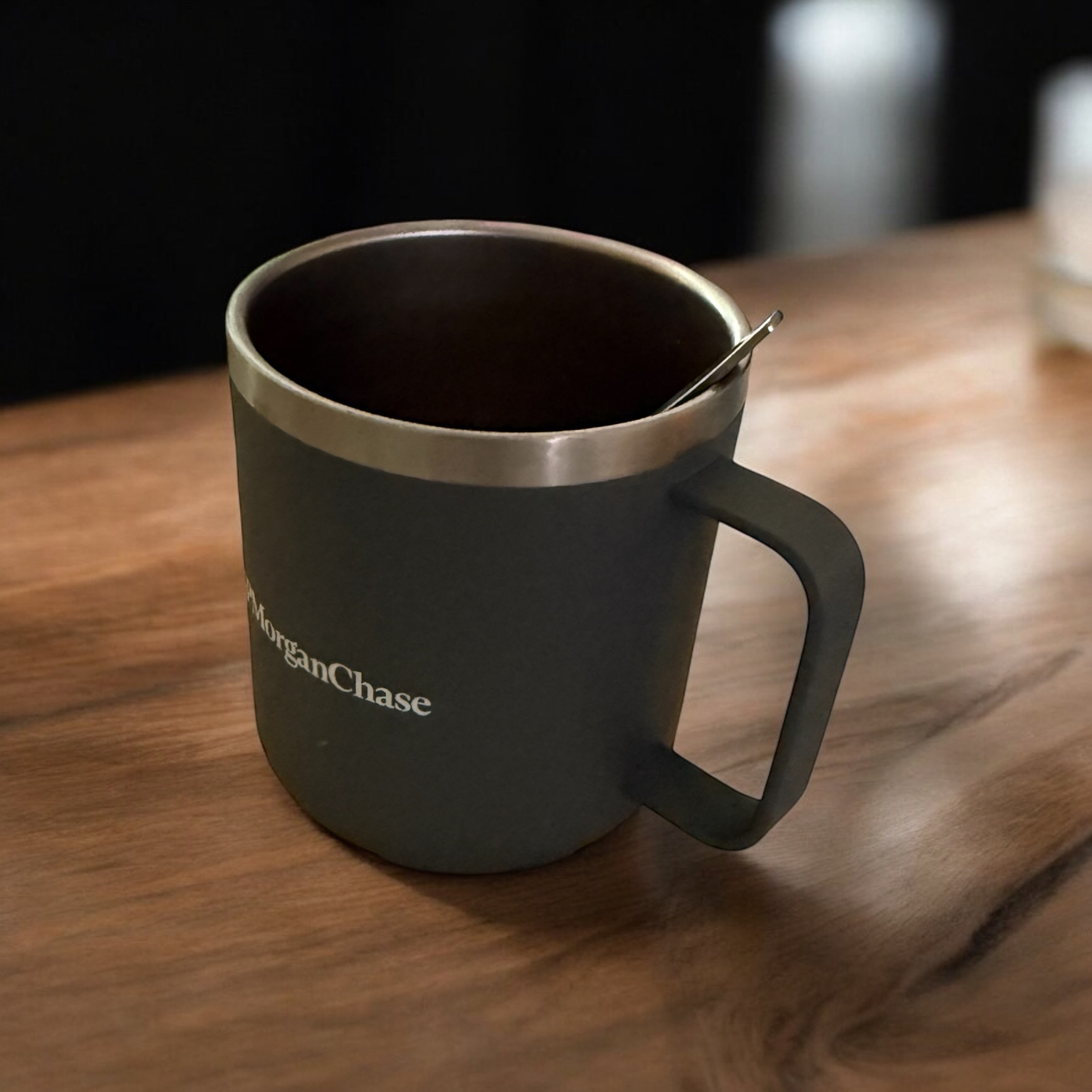
The logic of creating product images is roughly the same and can be divided into three parts: product subject, background, and template. However, different platforms have different requirements for image dimensions; for example, Taobao's main image size is 1:1, while Xiaohongshu uses a mix of square and rectangular shapes.
Imbalance between basic functions and advanced functions.
High input threshold, users lack examples or guidance.
Users interrupt the creative process due to long wait times.
Low expandability of generated templates.
Challenge
How might we create an intuitive and powerful AI-driven rendering tool for e-commerce operators that balances ease of use with advanced creative capabilities?The tool fails to dynamically match the user's actual skill level and current demand complexity, leading to two typical problems:
The tool fails to dynamically match the user's actual skill level and current demand complexity, leading to two typical problems:
"Over-simplification": When only basic functions are provided, users churn due to unmet deeper needs.
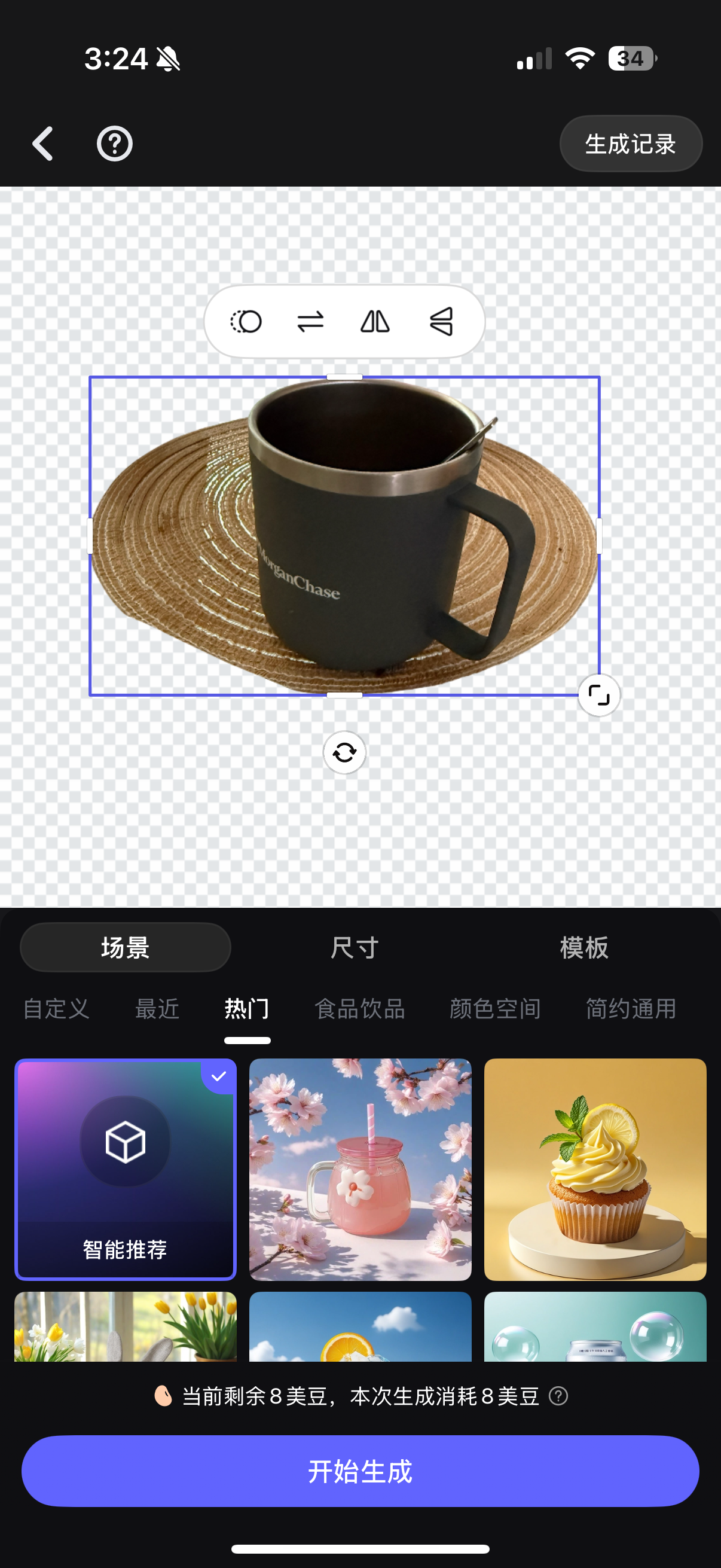
"Over-exposure": When advanced functions are displayed by default, users abandon usage due to cognitive overload.
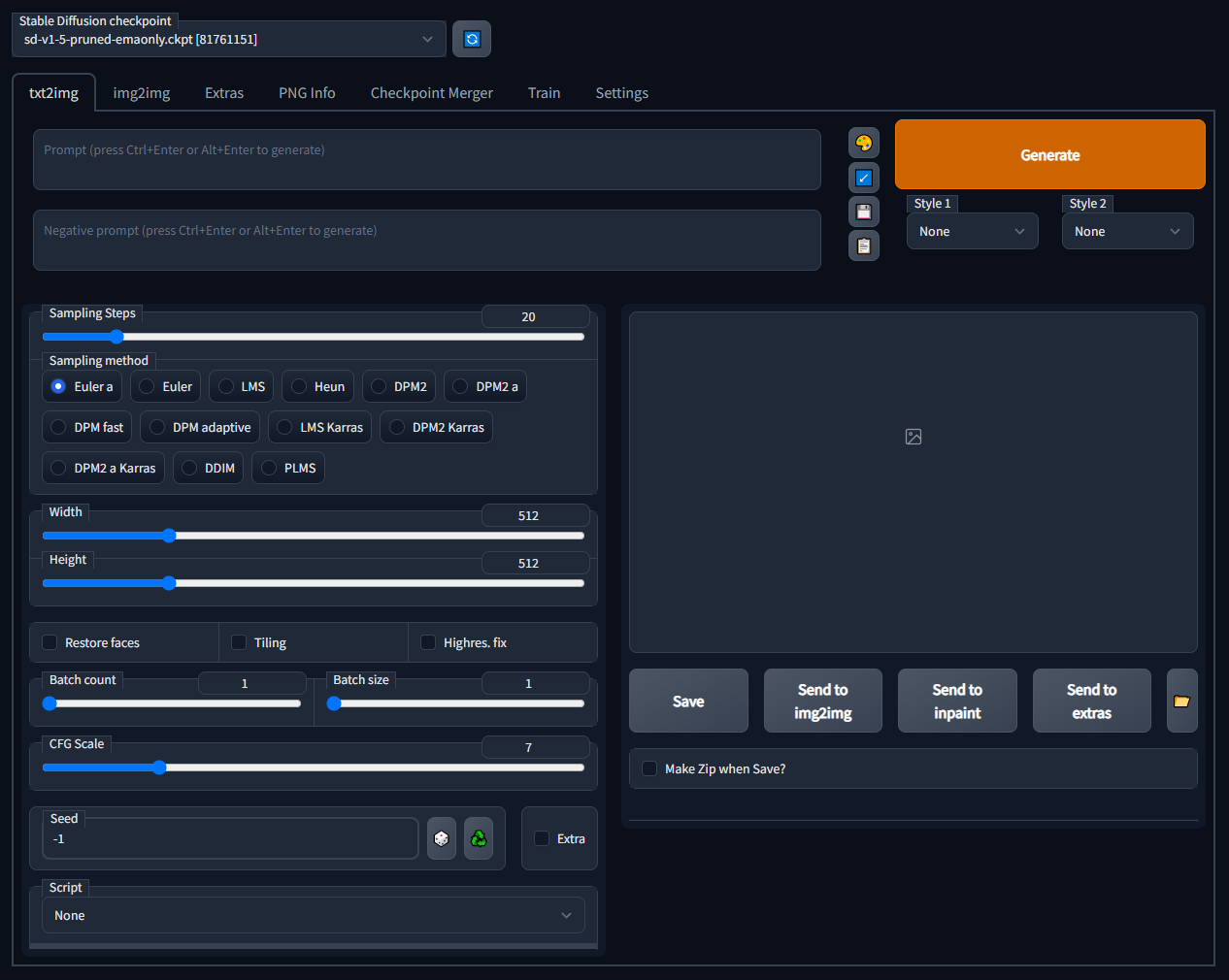
Using the recommendation feature alone also yields good generation results; however, using advanced features provides greater freedom.
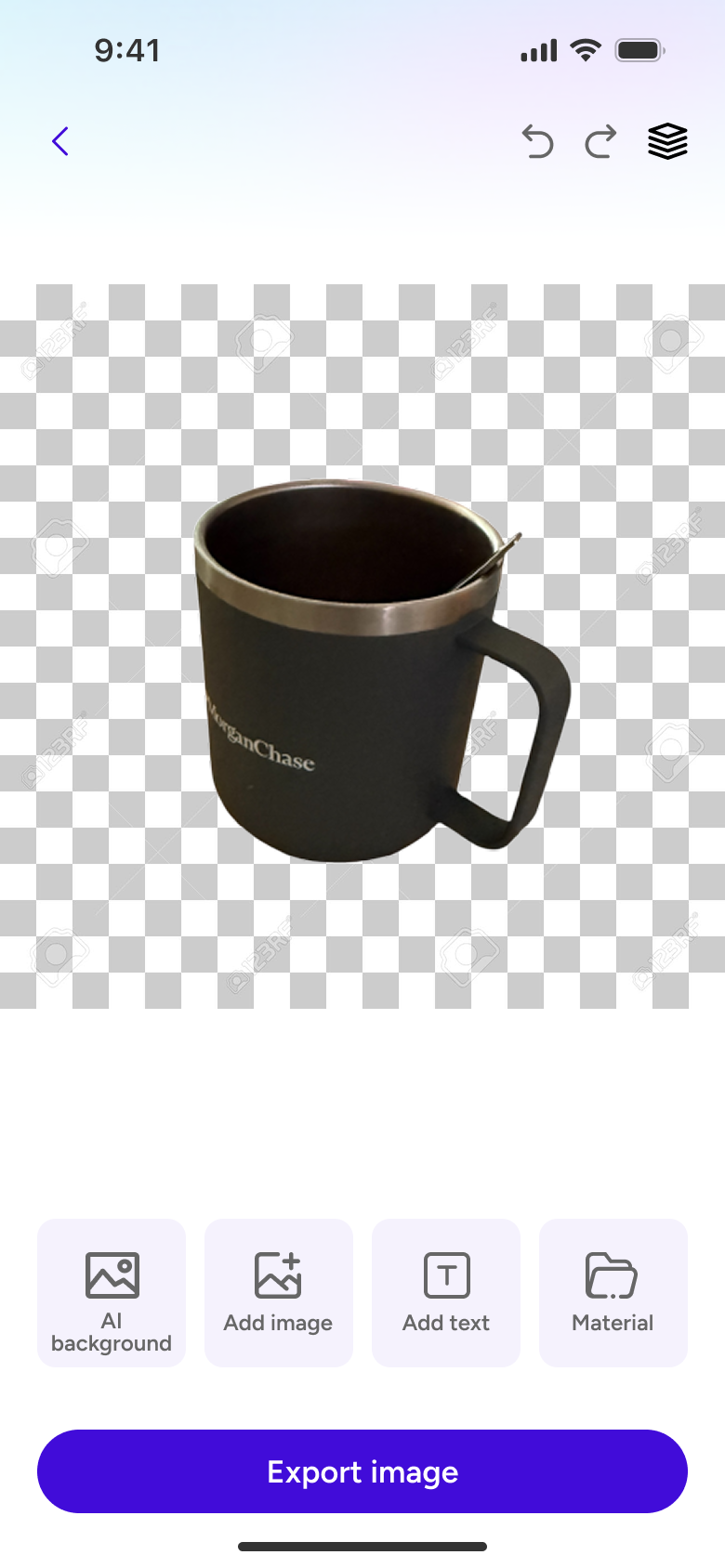
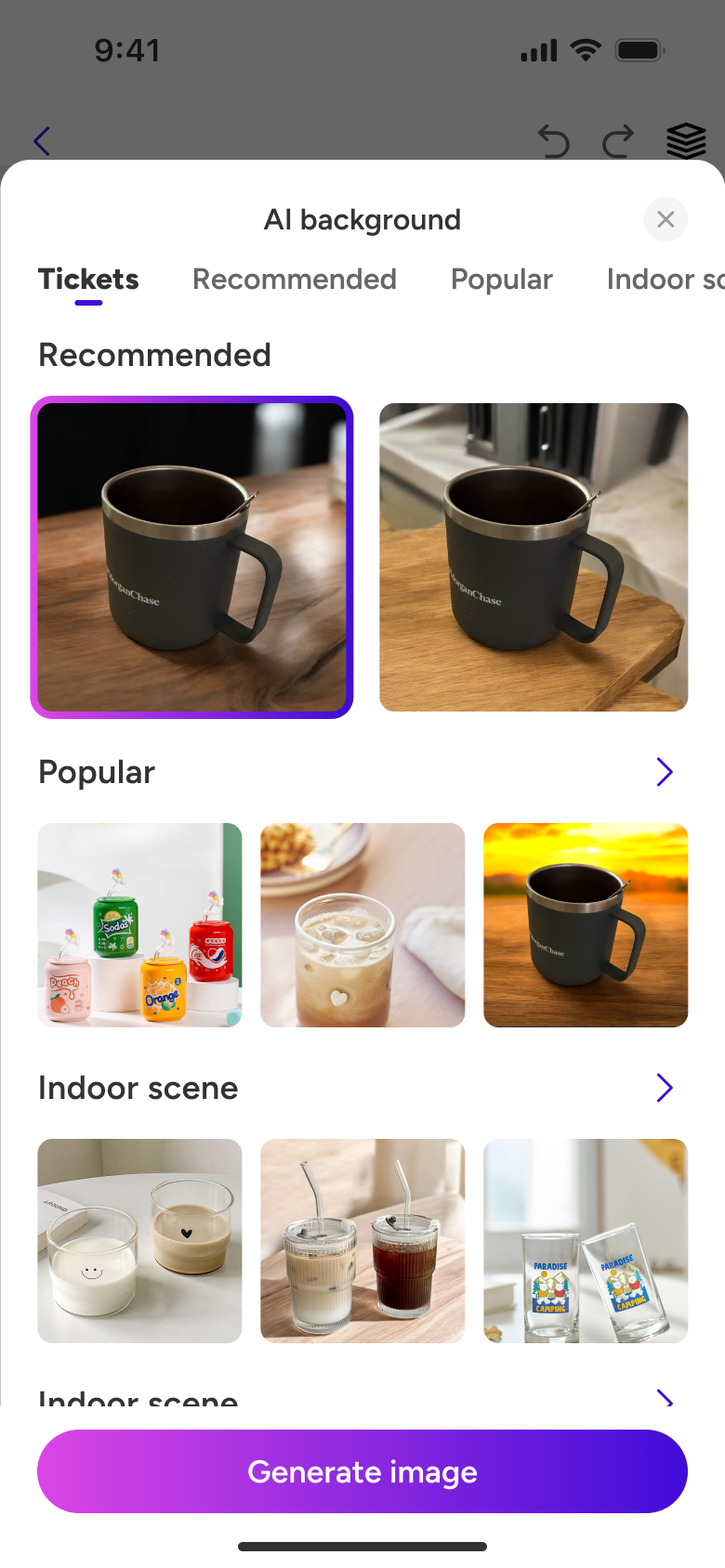
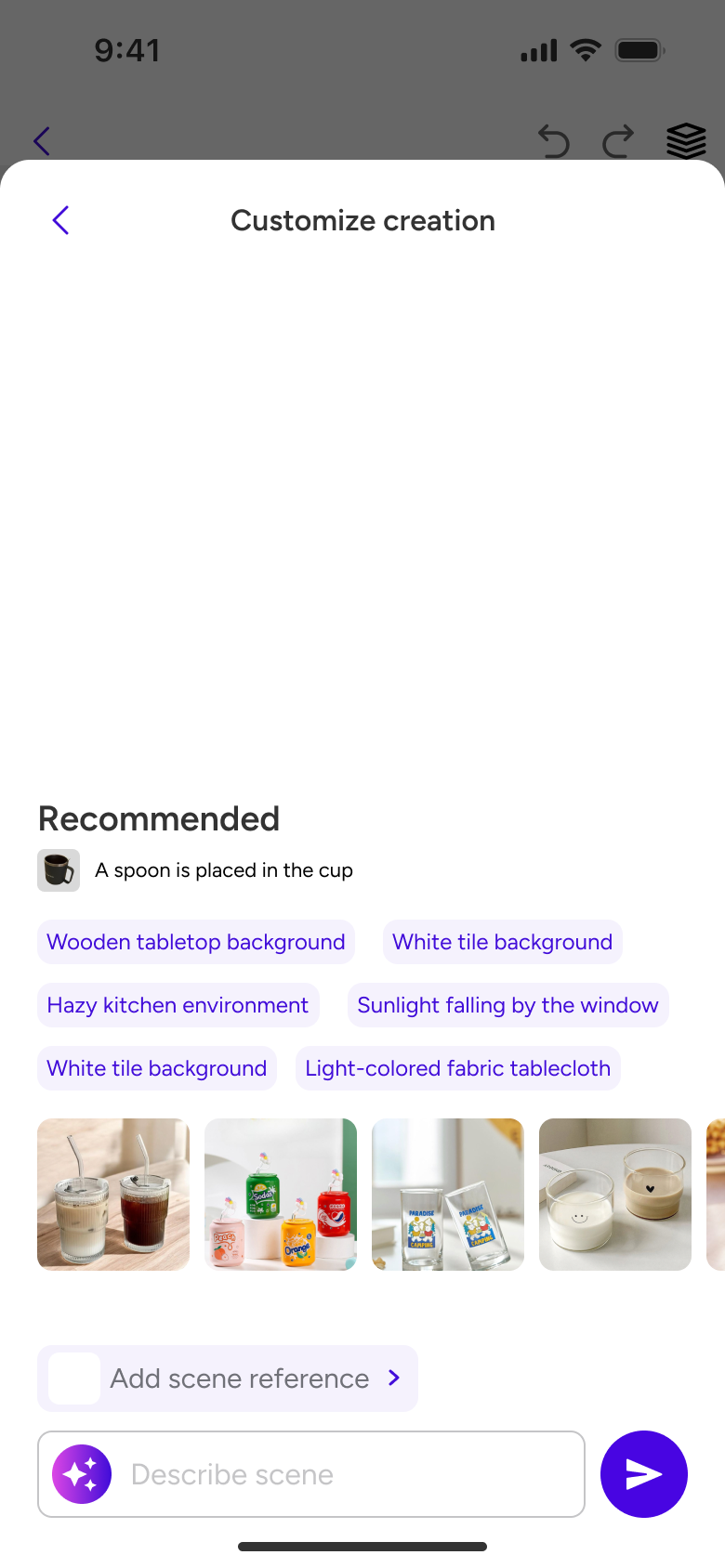
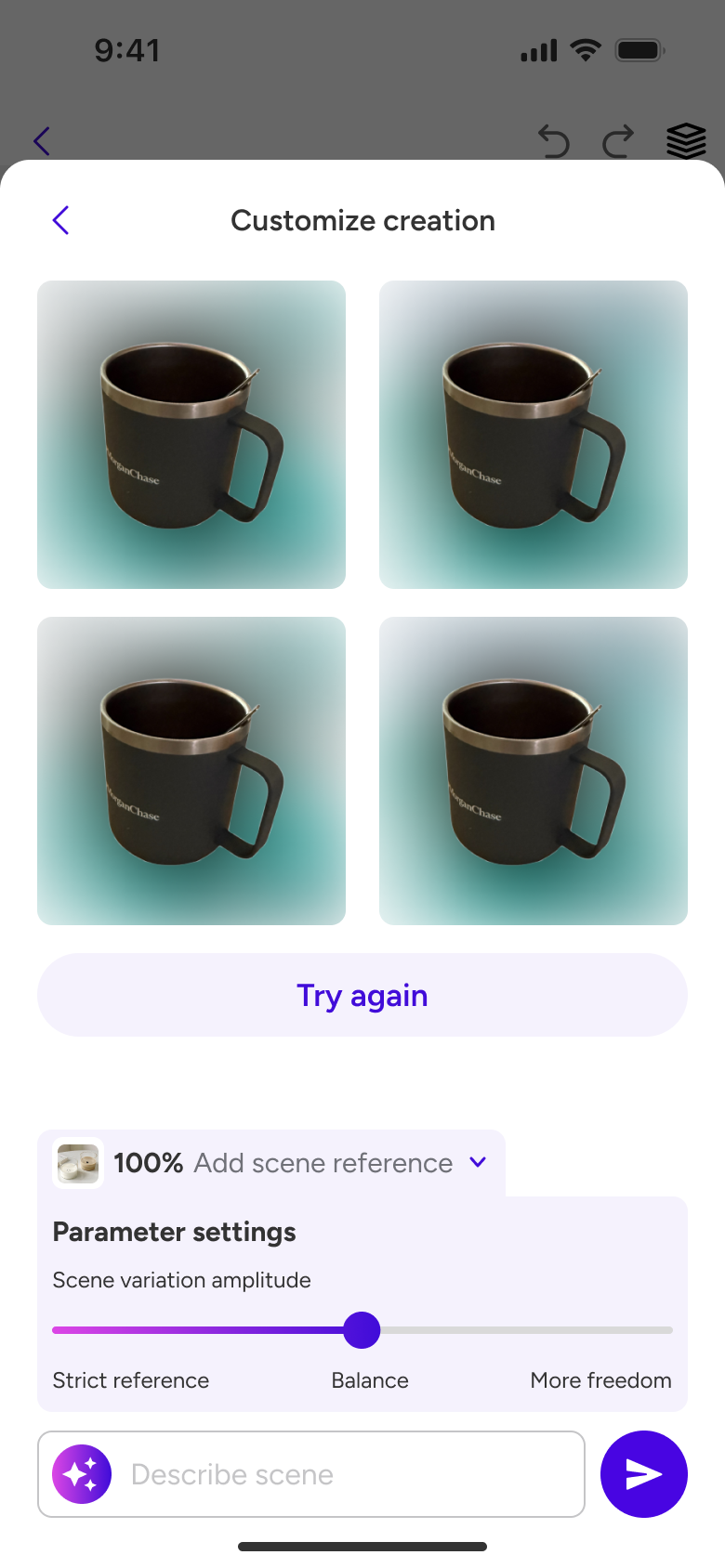
To write high-quality descriptive words, one needs to approach from multiple angles, such as style, color, image details, light and shadow, composition ratio, and even camera settings, which involves a lot of professional terminology, making it very difficult for ordinary users. At the same time, current competing products in the market have relatively singular creation guidance, and users generally find it difficult to get started and generate high-quality descriptive words.
Users are not designers and cannot write high-quality descriptive words.
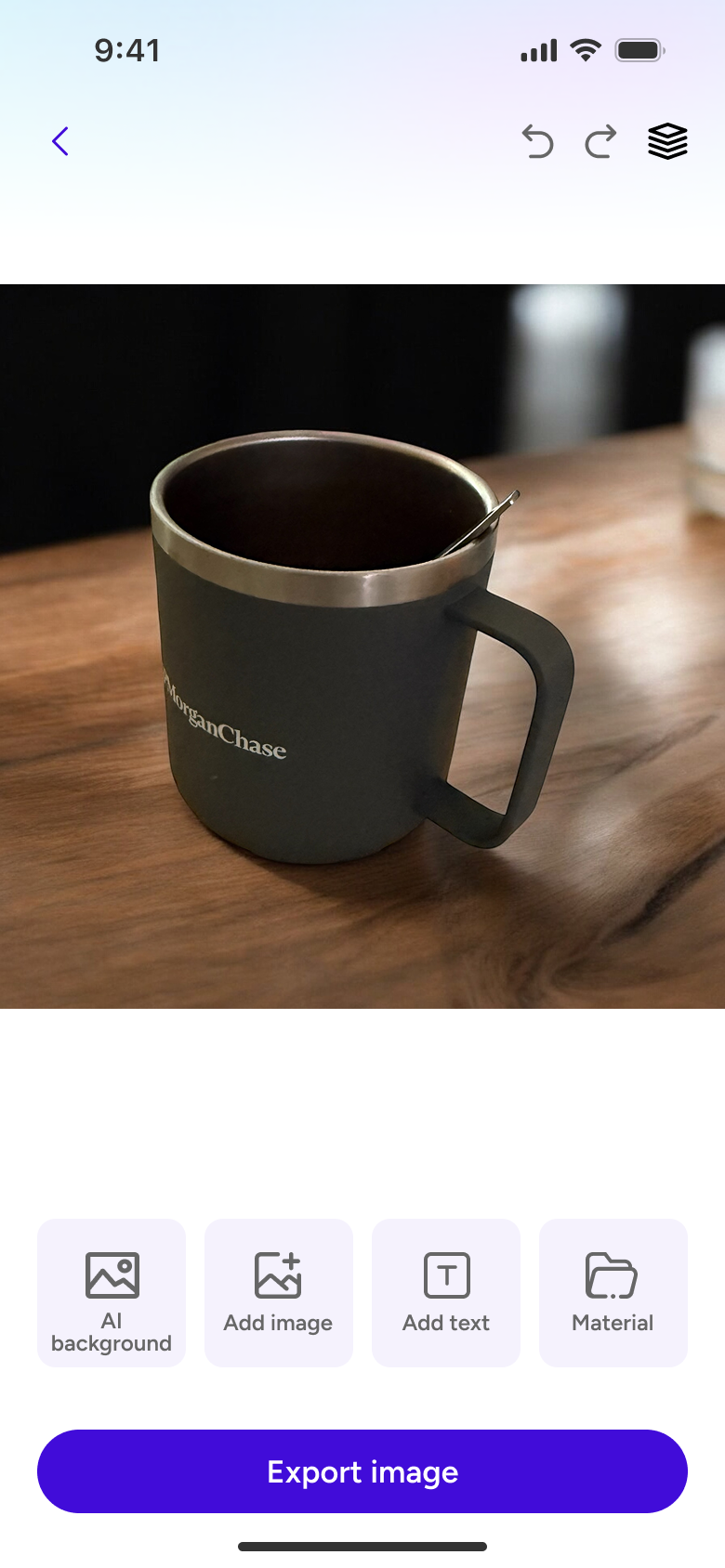
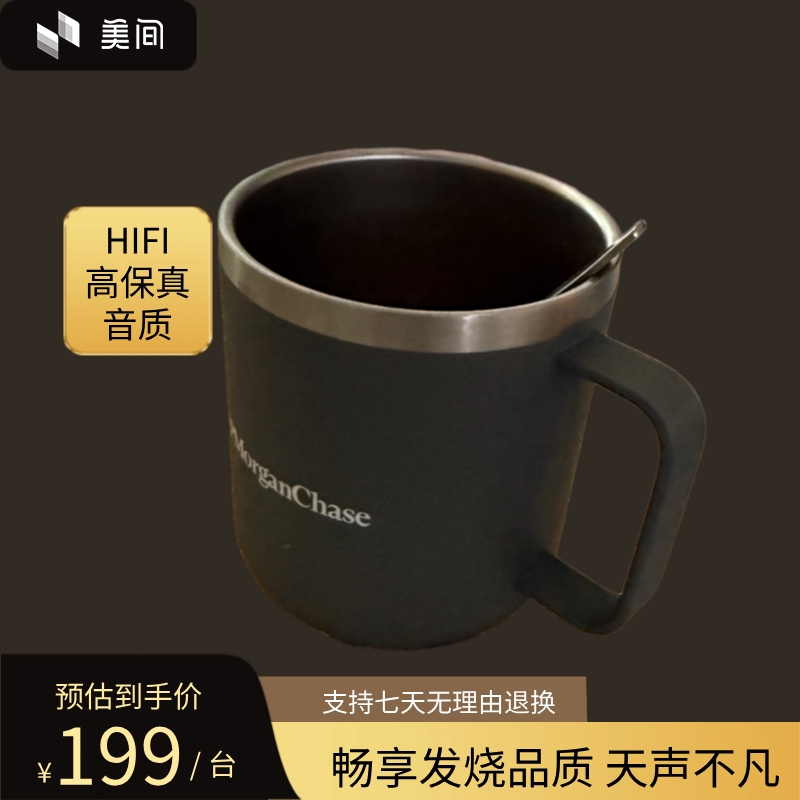
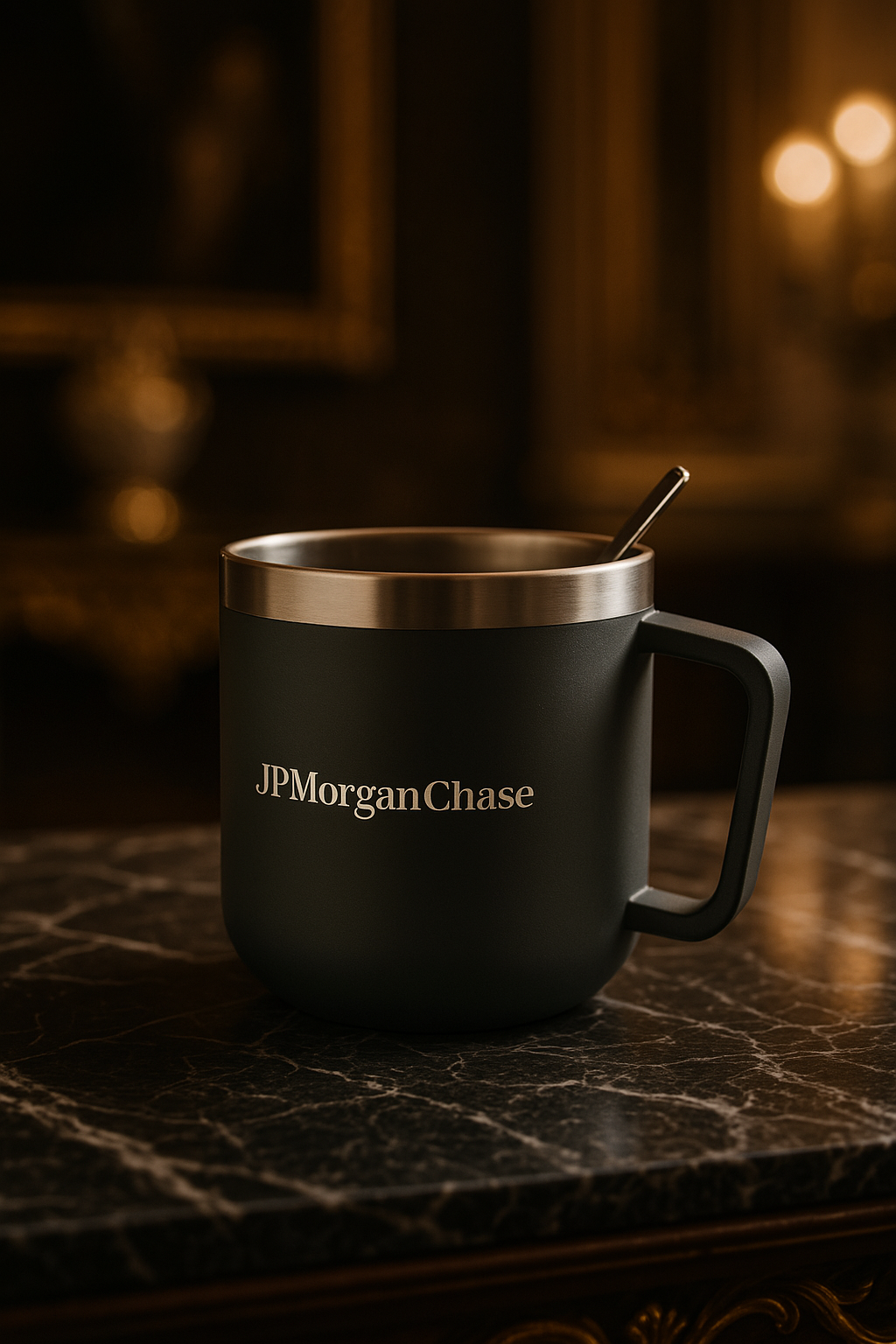 Subject Word: Mug (JPMorgan Chase)
"Over-exposure": When advanced functions are displayed by default, users abandon usage due to cognitive overload.
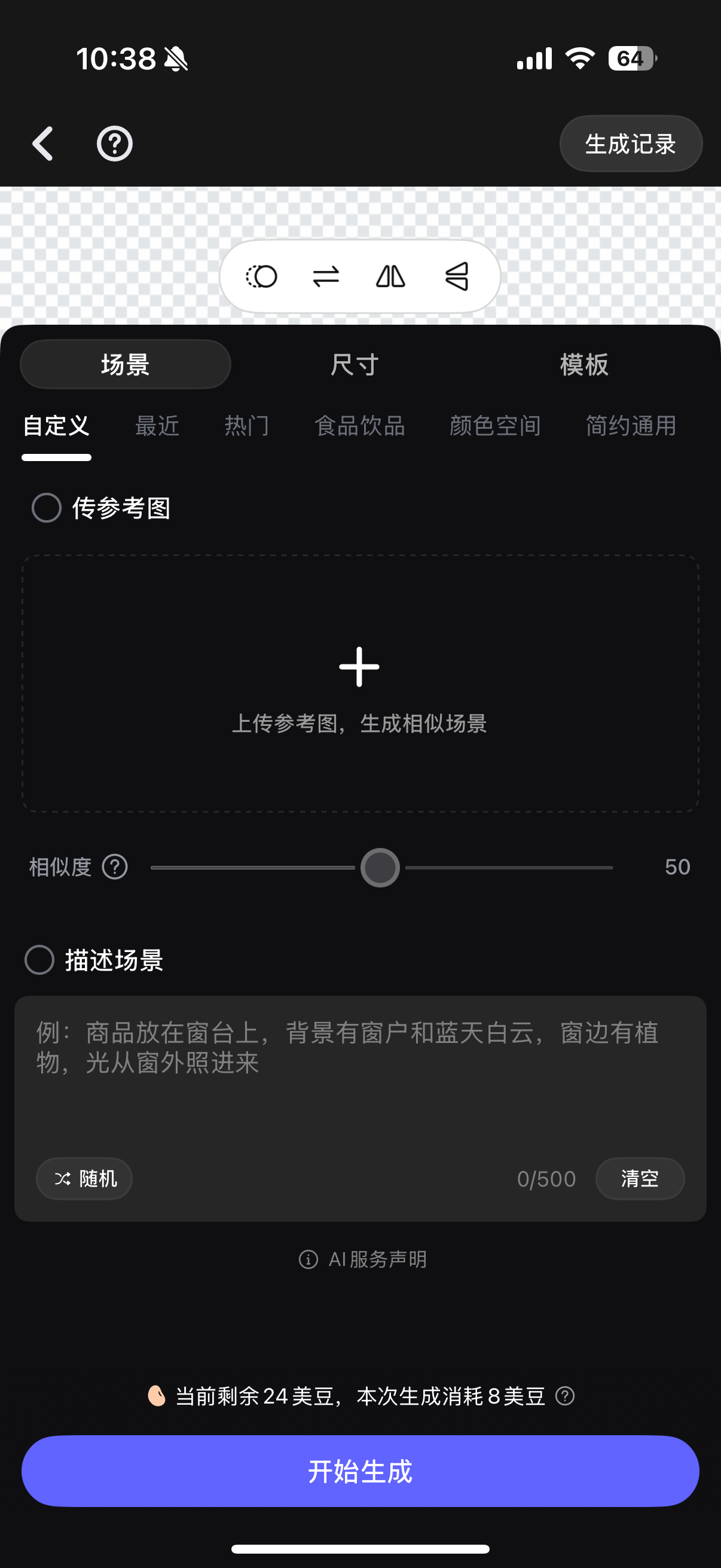 The creation pages of competing products are mainly divided into modules for inputting descriptive words, selecting styles, dimensions, etc. However, there is still a certain threshold, such as similarity, which cannot be distinguished without guidance on what the two extremes represent.
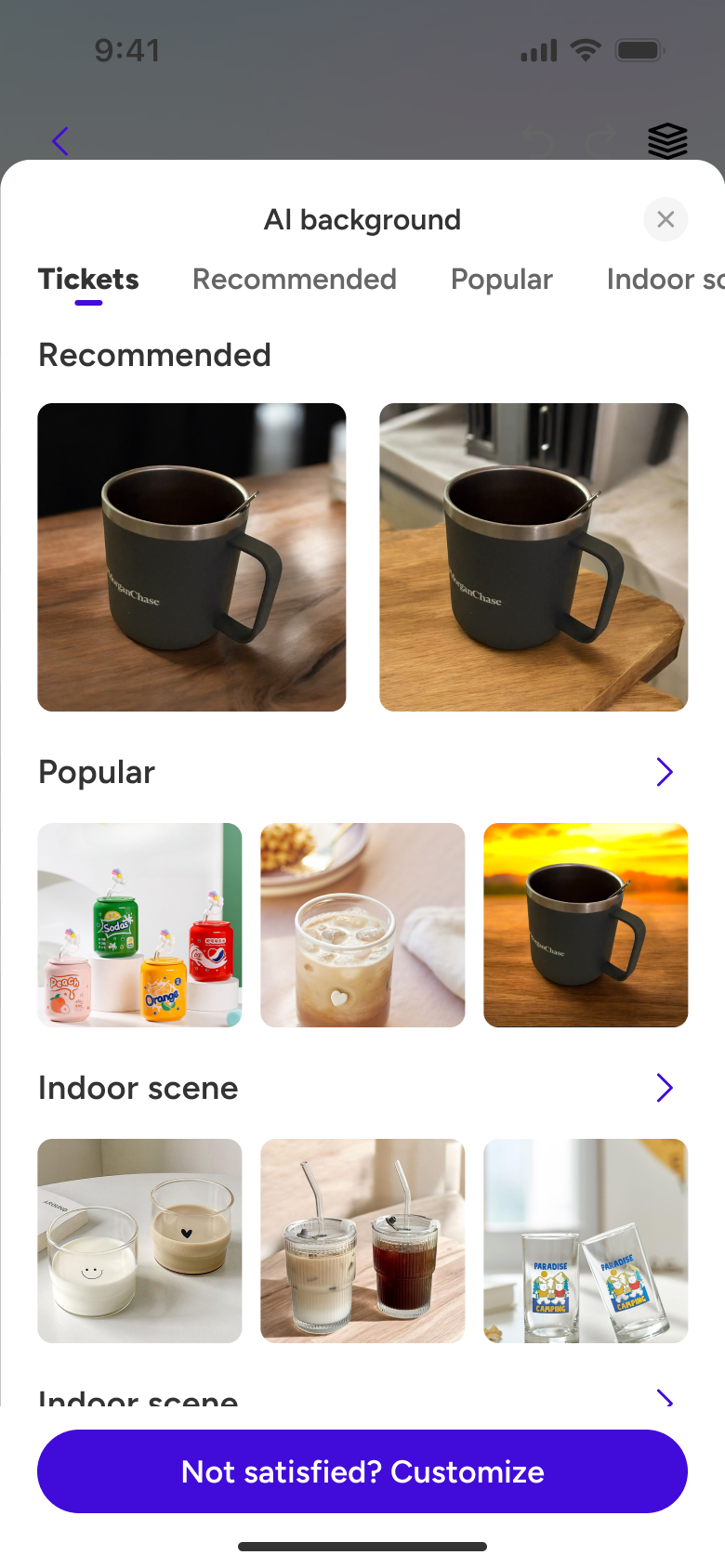
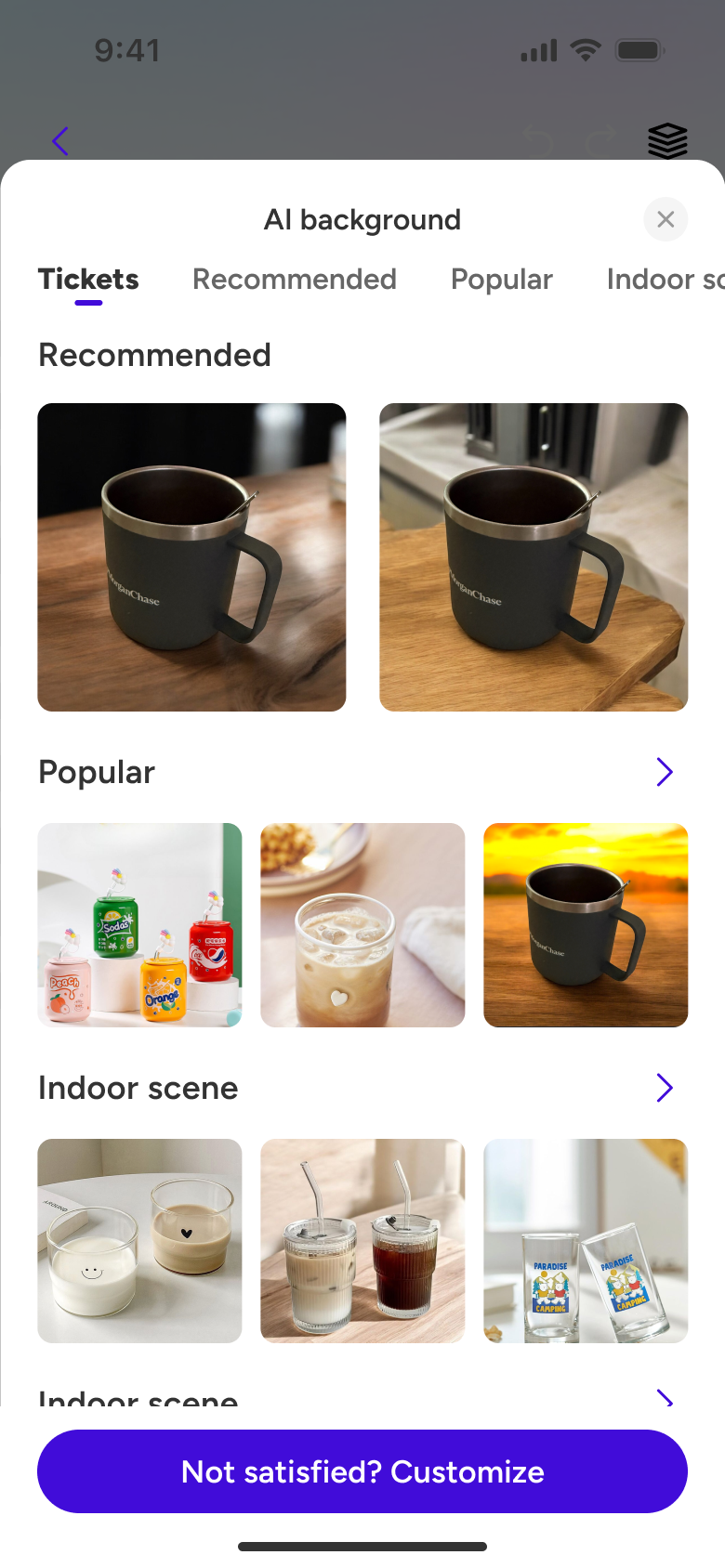
Prioritize generating 2 recommended backgrounds based on the subject, providing semi-automated guidance to solve user input confusion.
Use image examples instead of text, and quickly splice images in the preview area to manage user expectations for raw images, enhancing motor appeal and playability.
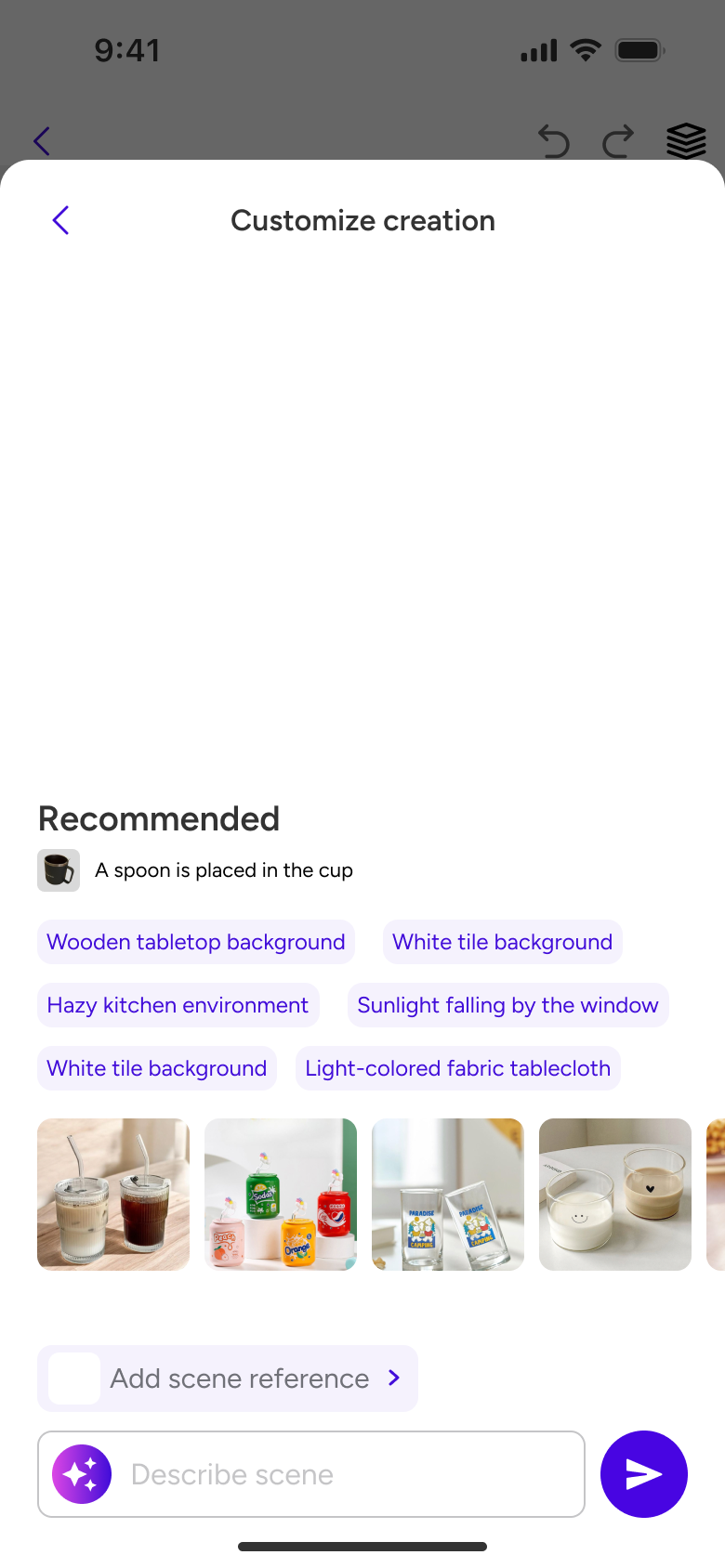
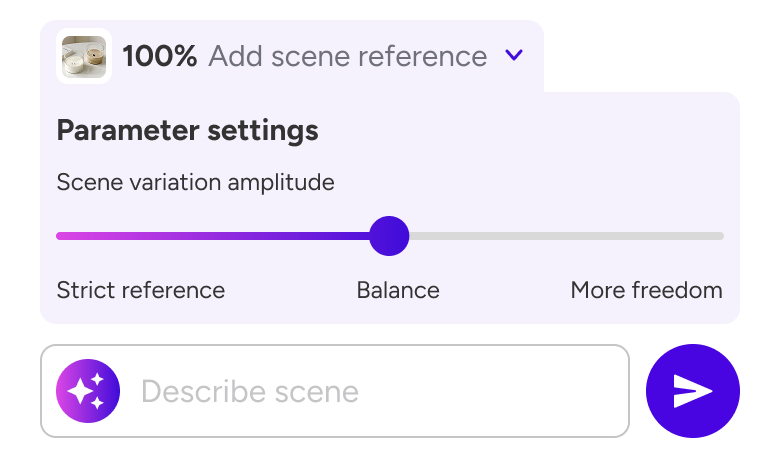
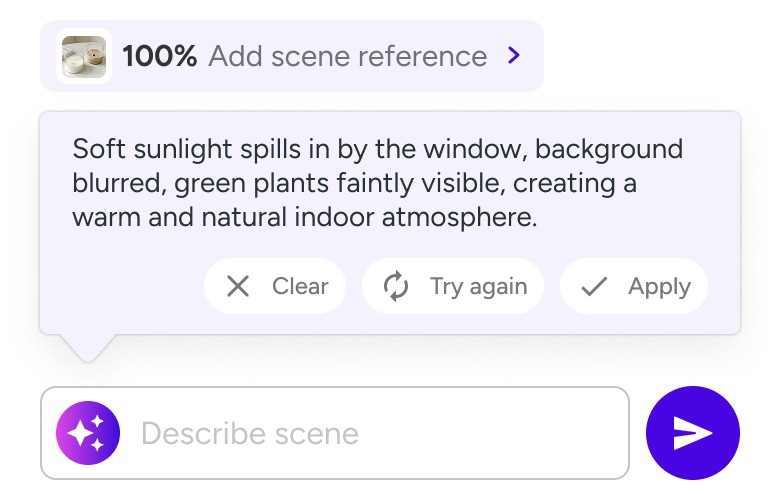
Simplify parameter selection, what you see is what you get.
AI Refinement, making images understand you better.
Due to the high-quality rendered images generated by mobile AI taking a long time (usually over 10 seconds), users are prone to experiencing **"uncertainty of progress" and "doubt about the value of time" during the waiting process, leading to:
Abandoning the current task or switching to other applications.
Developing distrust in tool efficiency, reducing willingness to reuse.
Reducing the number of parameter adjustments due to fear of repeated waiting, affecting the final effect.
After testing 6 mainstream e-commerce AI image generation tools and general AI raw image software, I found that their average generation wait time is 12.86 seconds.
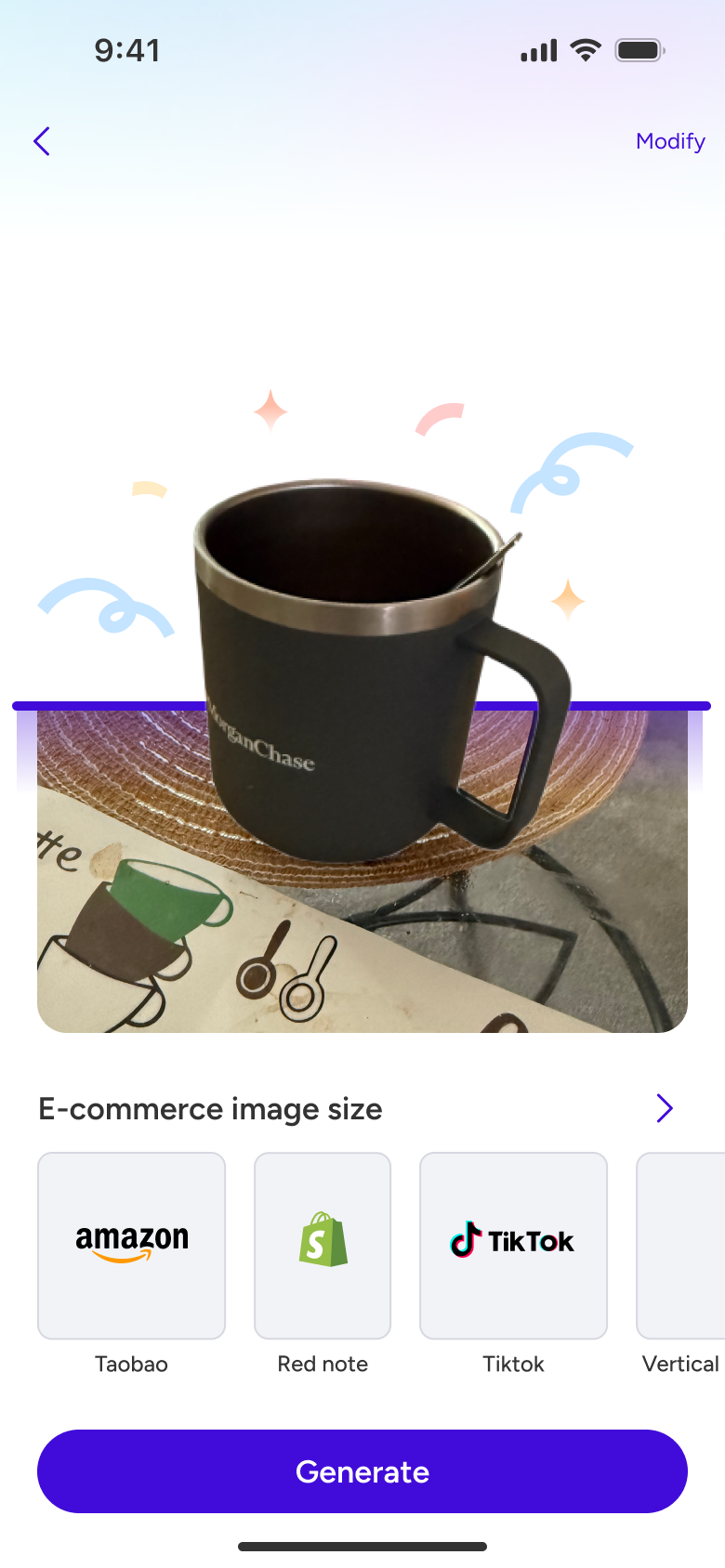
Micro-interaction effects, emotionally transferring user anxiety.
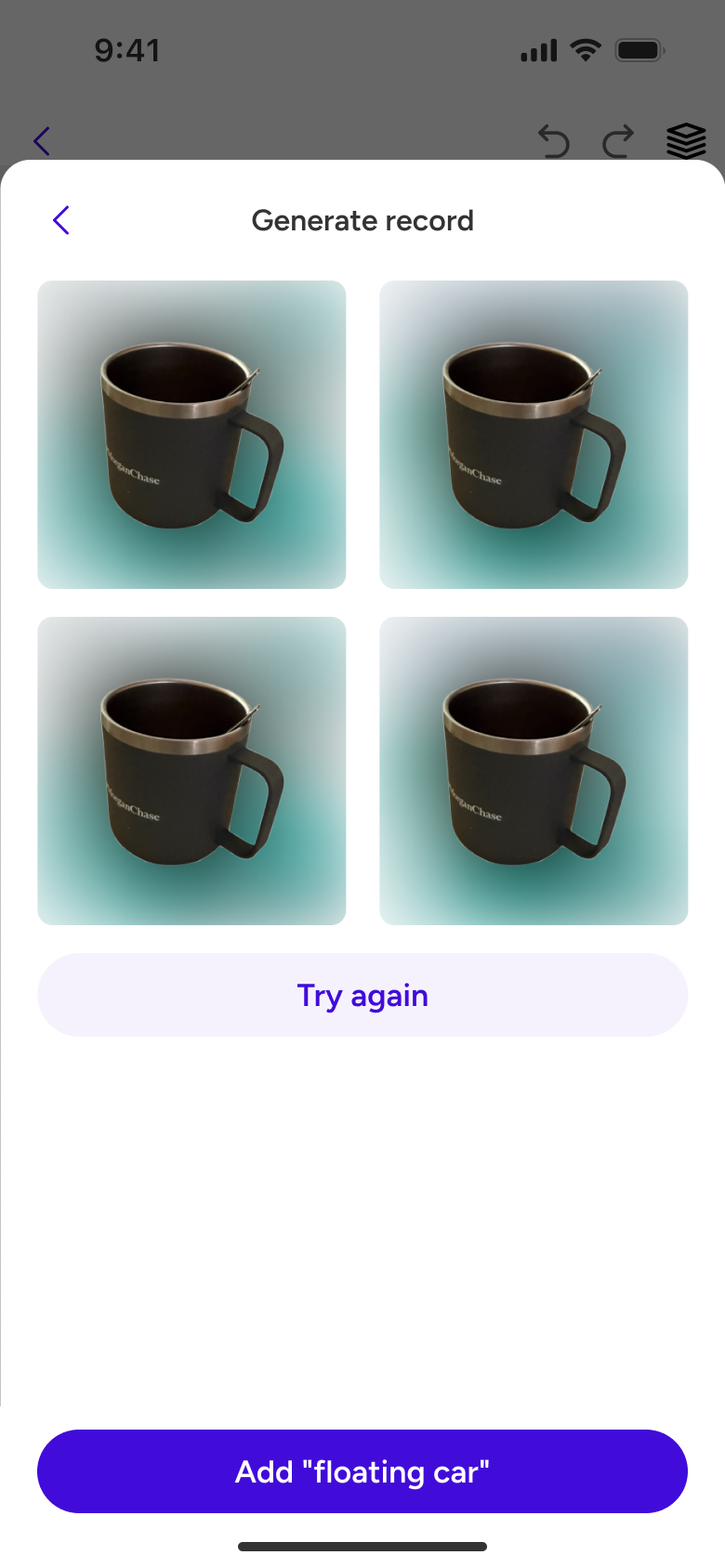
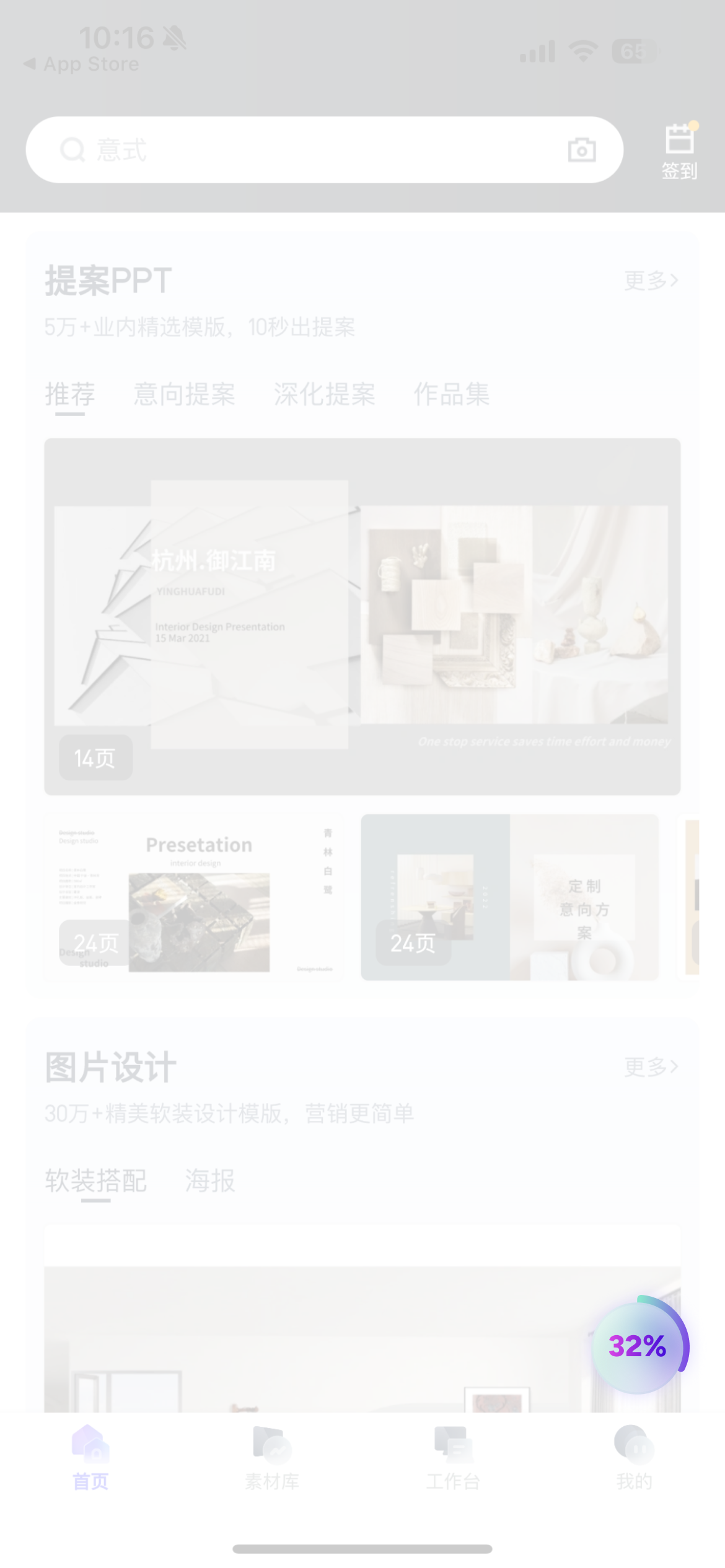
Introduce a "Creation Car" floating window, allowing users to continuously add tasks and process them in the background, alleviating waiting anxiety.
Due to the high-quality rendered images generated by mobile AI taking a long time (usually over 10 seconds), users are prone to experiencing **"uncertainty of progress" and "doubt about the value of time" during the waiting process, leading to:
Users are not designers and cannot write high-quality descriptive words.
"Over-exposure": When advanced functions are displayed by default, users abandon usage due to cognitive overload.